Best Shopify Bulk Lister Apps in 2026 Compared Ranked
Most Shopify merchants hit the same wall at around 30–50 products: manually entering each listing becomes the bottleneck, not sourcing or shipping. A Shopify bulk lister...
Most Shopify merchants hit the same wall at around 30–50 products: manually entering each listing becomes the bottleneck, not sourcing or shipping. A Shopify bulk lister - any tool that lets you create, import, or generate listings at scale - is the obvious fix, but the category covers wildly different things.
Shopify’s own CSV import, third-party importers like Matrixify, built-in AI like Shopify Magic, text-based description apps like Describely, and image-to-listing tools like Listagrow all get called “bulk listers” - but they solve different problems and require very different inputs. Picking the wrong one doesn’t just waste money; it wastes the time you were trying to save.
Here’s how the main options actually compare in 2026.
What to Look for in a Shopify Lister Tool
Before comparing options, get clear on what your workflow actually requires. A good shopify lister tool should handle:
- Bulk creation or import - can you process 50+ products in a single run?
- Content generation - does it write titles, descriptions, SEO fields, and tags, or do you pre-write everything?
- Image handling - can it process product images, not just ingest pre-written text?
- Direct Shopify sync - does it push listings directly to your store, or is everything a manual CSV re-import?
- SEO completeness - title, description, tags, SEO title, meta description, and image alt text are all required for a complete listing
- Data complexity - can it handle metafields, custom variant structures, and collections, or is it products-only?
- Pricing transparency - cost per listing should be clear and proportional to your catalogue size
Option 1: Shopify’s Native CSV Import
Best for: Migrating existing, pre-written product data from another platform
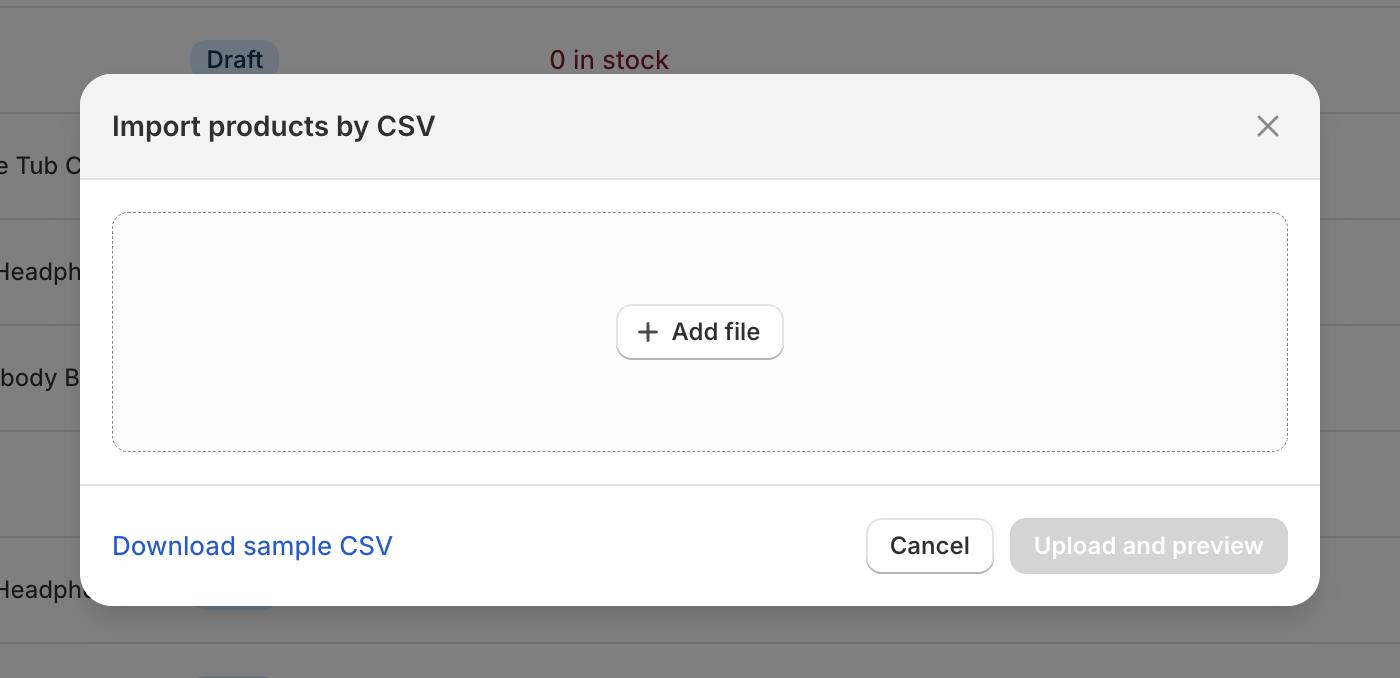
Shopify’s built-in CSV import is the baseline bulk lister for the platform. You structure a spreadsheet with all required fields - Handle, Title, Body HTML, Tags, SEO Title, SEO Description, Image Alt Text, Variant details - and Shopify ingests everything in one batch.
Strengths:
- Free and native to every Shopify plan
- Handles large volumes reliably once your CSV is correctly formatted
- Full control over every field
Weaknesses:
- Purely an importer, not a content creator - you still need to write every description, tag, and SEO field before you can use it
- Error-prone: Shopify flags and skips malformed rows rather than aborting the whole file, which makes debugging slow
- Zero content automation - every word must be written upfront
- Image alt text requires a separate row per image, all written by hand
- No support for complex variant structures, metafields, or collections without significant CSV preparation work
Verdict for bulk listing: If you have pre-written content and just need to move it into Shopify at scale, this works well. If you need to create that content - titles, descriptions, SEO fields, tags - it doesn’t help at all. It’s a logistics tool, not a content tool. For a full walkthrough of the import process, see our guide to bulk onboarding products into Shopify.